Design a generic
Insurance
Purchase Flow
How I redesigned our application flow into a scalable, reusable experience, balancing user needs, business requirements and design system standards.
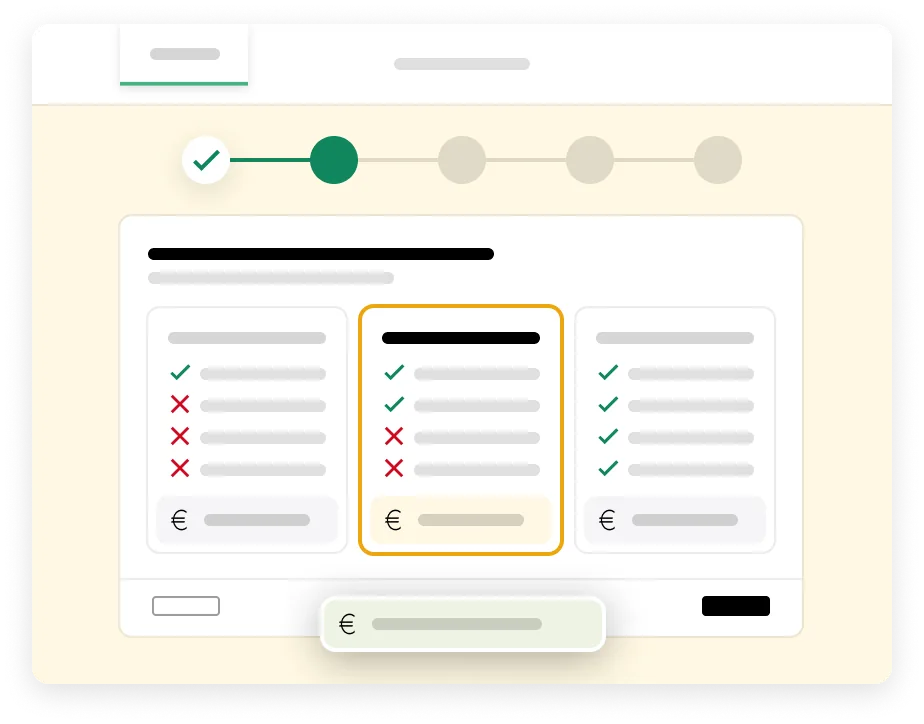
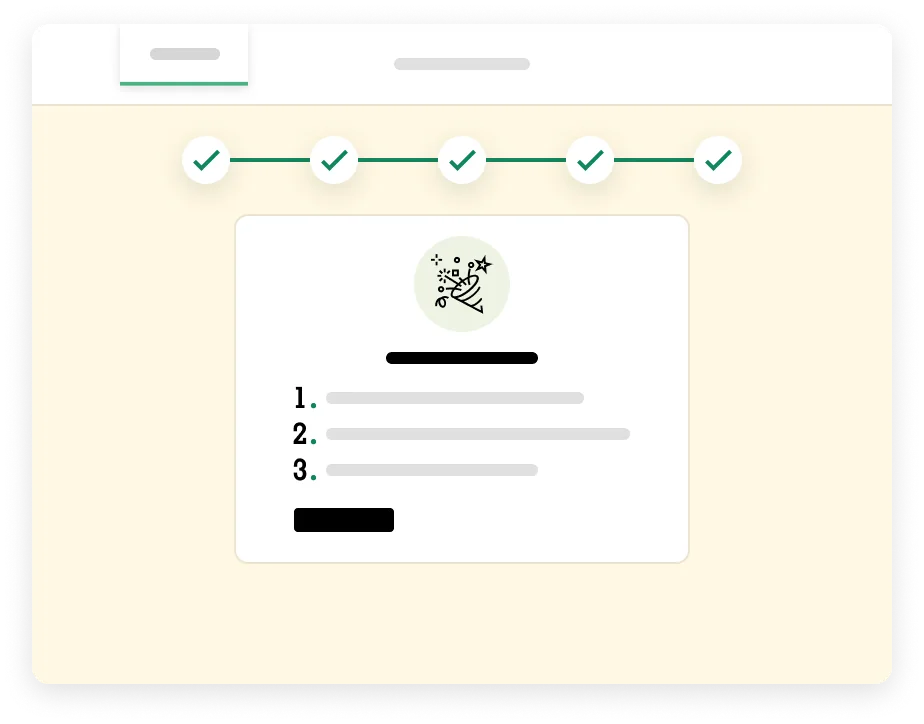
Role
Senior Product Designer
Scope
UX · UI · Strategy · Design System · Validation
Organisation
a.s.r. Nederland
UX-impact
+51% Funnelconversie9,7% conversie (vs. 6,4% voorheen)
Businessimpact
+50% Verkopen318 verkopen (vs. 212 voorheen)
Organisation & Role
a.s.r. Nederland Senior Product Designer
Scope
UX · UI · Strategy · Design System · Validation
UX-impact
+51% Funnelconversie9,7% conversie (vs. 6,4% voorheen)
Businessimpact
+50% Verkopen318 verkopen (vs. 212 voorheen)
The challenge
One flow, many products
The challenge wasn’t simply to redesign an existing application flow. We needed to create a generic and scalable foundation that could support different insurance products without compromising the experience for the customer.
Existing application flows had grown around individual products, resulting in different patterns, interactions and solutions for similar problems. Instead of optimising each flow separately, we saw an opportunity to rethink the experience as a system.
The new flow needed to balance multiple perspectives: make applying simple and intuitive for customers, support business and product requirements, use consistent UX patterns, align with our design system and WCAG standards, and remain flexible enough to accommodate different products and scenarios.

The goal was clear
Create one scalable foundation that teams could build on, while keeping each application experience relevant to the customer and the product.The home insurance application would be the first product to put this foundation into practice.
Understanding the
existing journey
Rather than starting with screens, I started by looking at the existing application journey as a whole. I mapped the flow from start to finish and combined this with available data, existing UX knowledge and the different requirements surrounding the application process.
This helped me identify where customers experienced friction, where similar problems were solved in different ways, and where product-specific solutions had created unnecessary complexity.
Understanding the
existing journey
Rather than starting with screens, I started by looking at the existing application journey as a whole. I mapped the flow from start to finish and combined this with available data, existing UX knowledge and the different requirements surrounding the application process.
This helped me identify where customers experienced friction, where similar problems were solved in different ways, and where product-specific solutions had created unnecessary complexity.
What we found
The existing journeys revealed recurring issues across experience, consistency, accessibility and technology.

Fragmented experience
Different funnels used different structures and interaction patterns, creating an inconsistent experience.

Early drop-off
A significant number of users left during the first step of the application.

No sense of progress
Users had little indication of where they were or what was still ahead.

High cognitive load
Dense pages, insurance terminology and multiple questions increased complexity.

Legacy & accessibility
Legacy solutions lacked design system components and introduced accessibility issues.

Hard to experiment
The technical setup made even small A/B tests development-heavy and slow to implement.
What we concluded
“These weren’t isolated UX issues. Together, they
pointed to a bigger problem: we needed to
rethink the application journey as a system.”
Our design principles
Simple where possible, detailed where needed.
Keep the experience focused and only introduce complexity when it adds value or is necessary.
Remove unnecessary friction.
Minimise the effort required to understand, navigate and complete the application.
Make the journey respond to the user.
Use known information and previous answers to show only what’s relevant and adapt the experience along the way.
Always make it clear what we ask and why.
Use understandable language, provide context when needed and help users know where they are and what comes next.
Get users to a meaningful outcome quickly.
Reduce unnecessary steps and questions to shorten the path from starting an application to receiving a quote.
Build once, learn continuously.
Use shared patterns across products and channels, while using data and experimentation to continuously improve the experience.
Designing for human behaviour
Principles gave us direction, but we also wanted to understand how we could reduce effort throughout the journey. We translated behavioural insights into four principles that could guide concrete design decisions.

Cognitive Load Reduction
Every extra thought requires effort, so make information easy to understand and process. We applied it by: Logical grouping · Clear language · Question sequencing

Decision Load Reduction
Every choice requires mental effort, so reduce unnecessary decisions and make choosing feel effortless. We applied it by: Smart defaults · Fewer choices · Postpone unnecessary decisions

Progressive Disclosure
Information is most useful when it’s relevant so show users what they need, when they need it. We applied it by: Contextual information · Relevant follow-up questions · Exceptions only when needed

Perceived Effort
How hard it feels matters more than how many steps it takes so reduce the perceived effort throughout the journey. We applied it by: Smart prefill · Familiar formats · Early wins · Positive feedback
Foundation,
six steps six goals
The design decisions at a glance. Each step shows the existing screen and its purpose within the insurance application flow.
- 01Insurance Purchase FlowStep 1Step 1
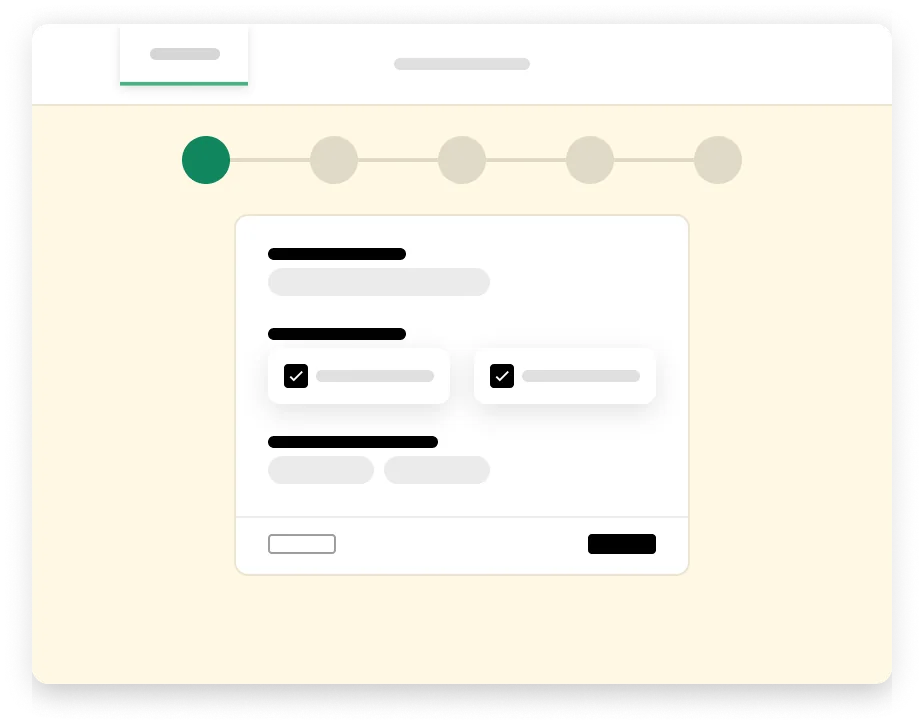
01 Jouw situatie
Goal: Collect only the necessary information required to display product options.
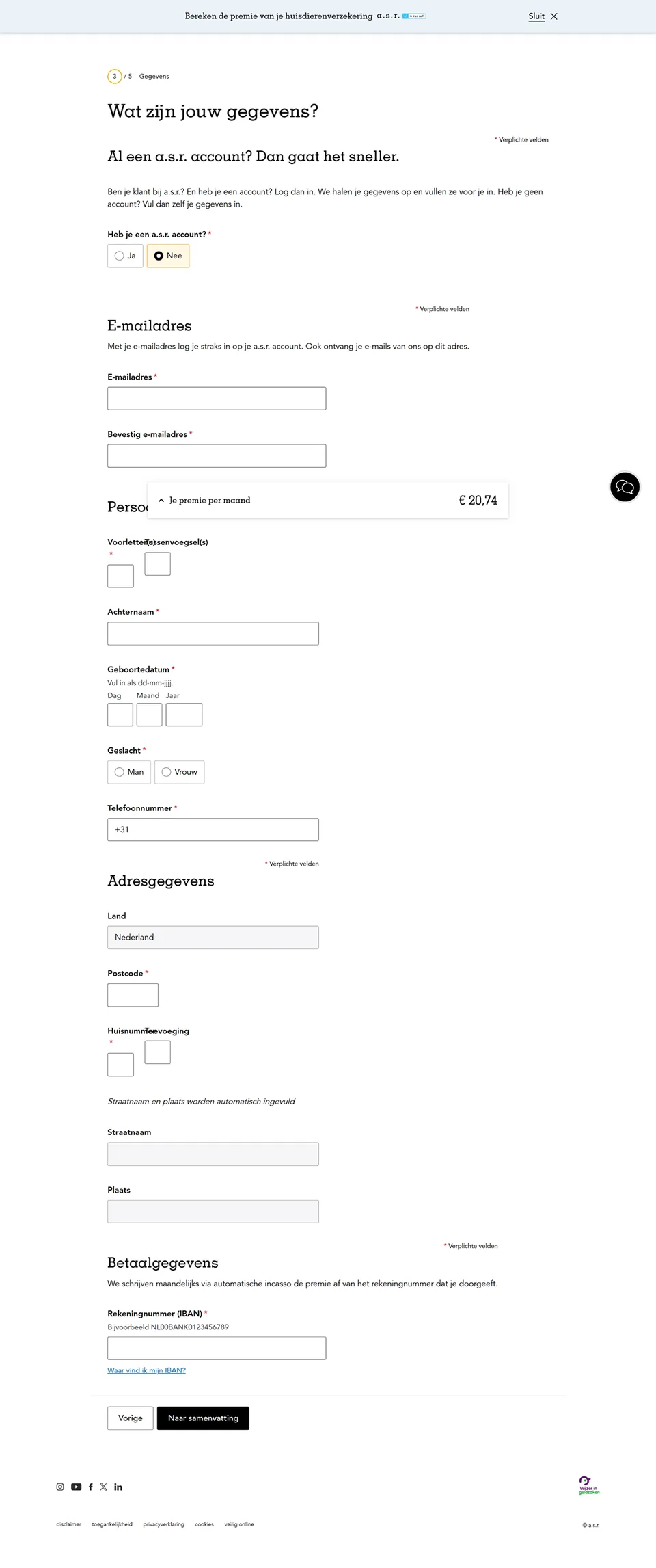
- 02Insurance Purchase FlowStep 2Step 2
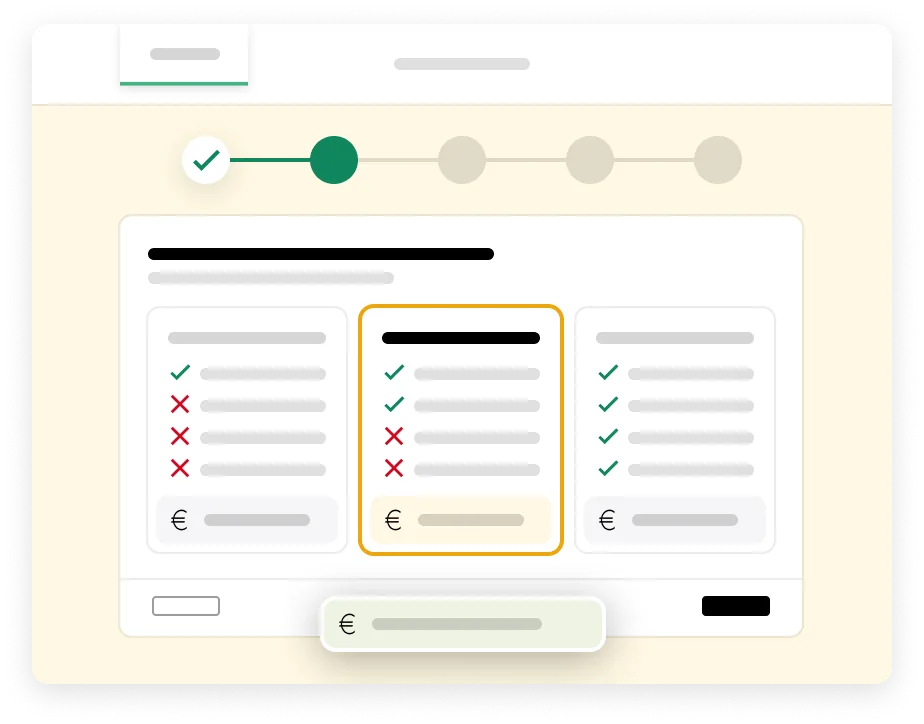
02 Jouw dekking
Goal: Showcase the available products / coverages and add-ons.
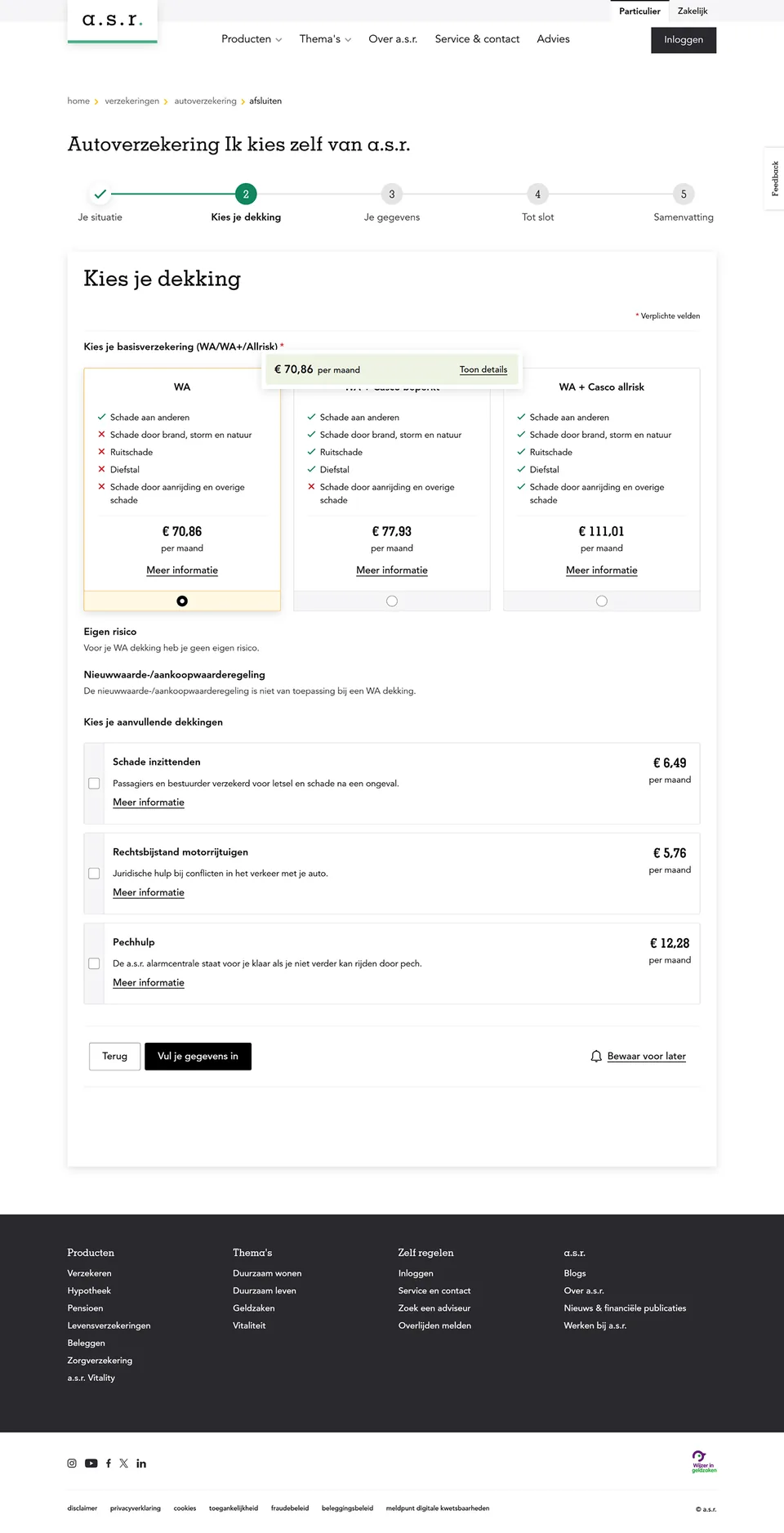
- 03Insurance Purchase FlowStep 3Step 3
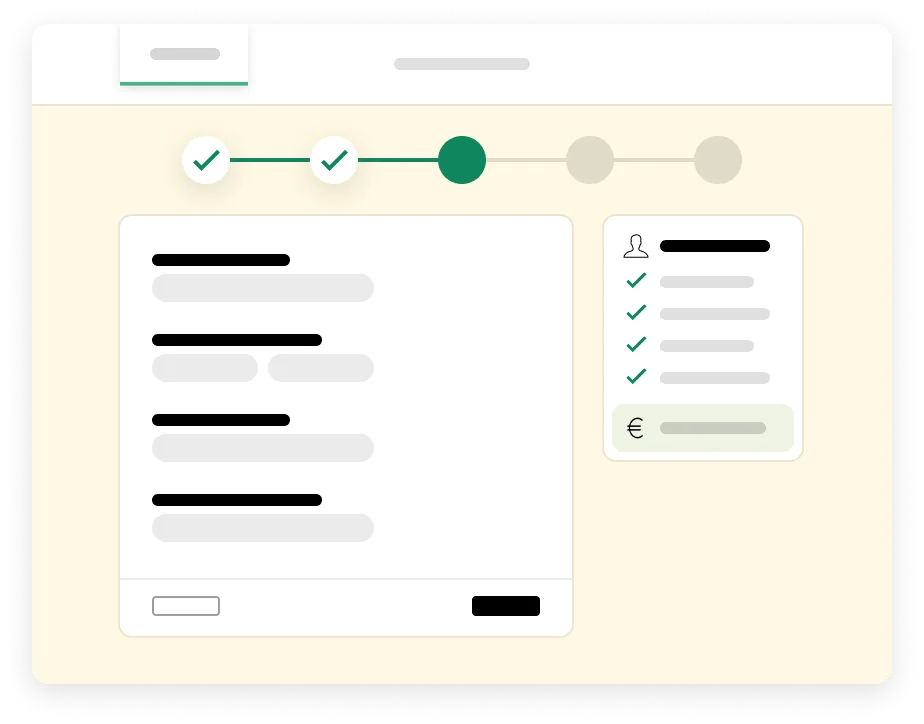
03 Jouw gegevens
Goal: Complete the product application.
- 04Insurance Purchase FlowStep 4Step 4
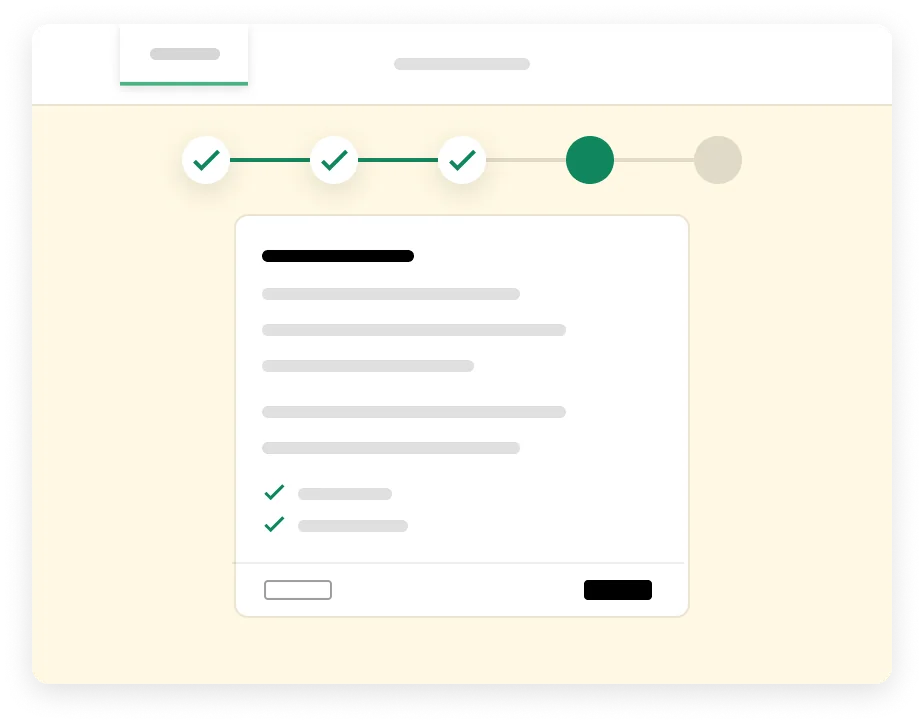
04 Laatste vragen
Goal: Determine eligibility through mandatory underwriting questions.
- 05Insurance Purchase FlowStep 5Step 5
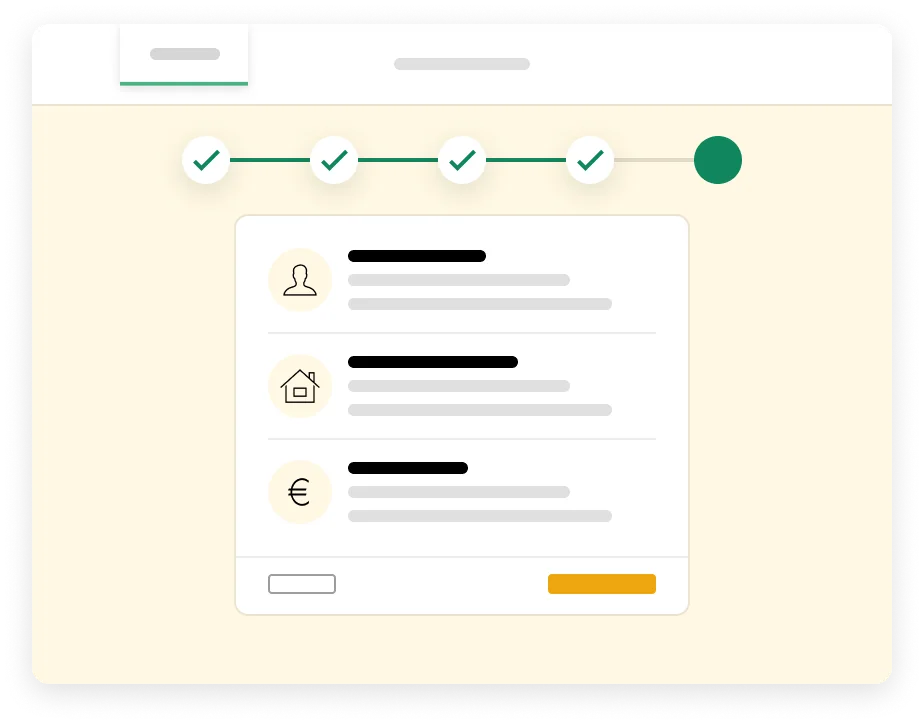
05 Samenvatting
Goal: Provide users with an overview of their selected products and information. Also to finalize the application with informed consent and clarity.
- 06Insurance Purchase FlowStep 6Step 6
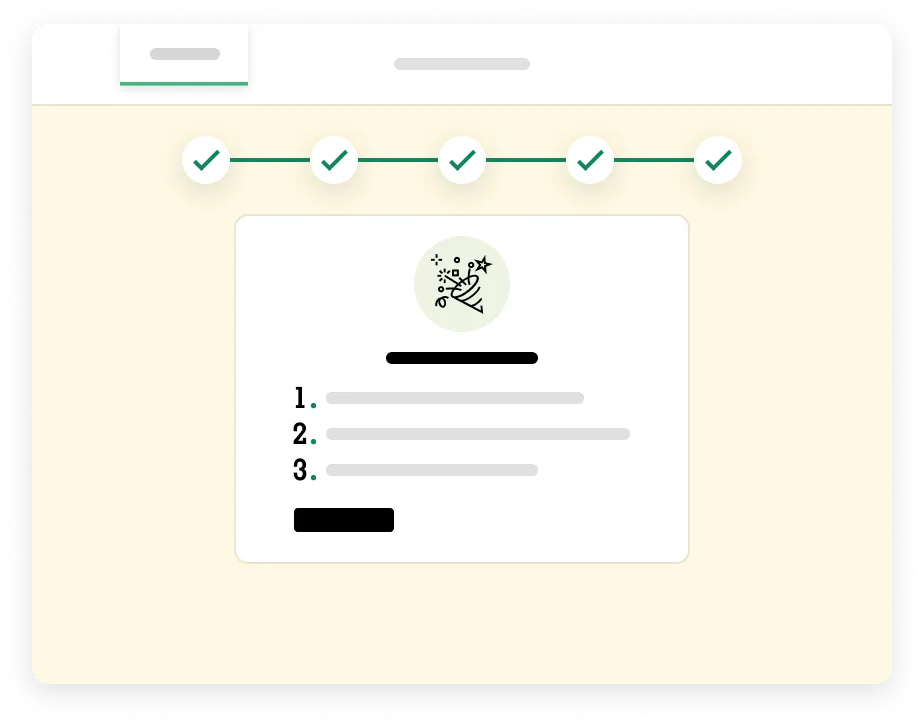
06 Succes
Goal: Confirm the successful submission of the application.
Higher funnel conversion and more sales
The redesigned funnel helps a greater share of visitors complete their application (UX impact), resulting in more insurance policies sold (business impact).

UX impact
+51% Funnel conversionA greater share of visitors complete their application.9.7% conversion (vs. 6.4% previously)

Business impact
+50% SalesMore insurance policies sold through the improved funnel.318 sales (vs. 212 previously)